Through the following post, I found a better solution.
 soonsoon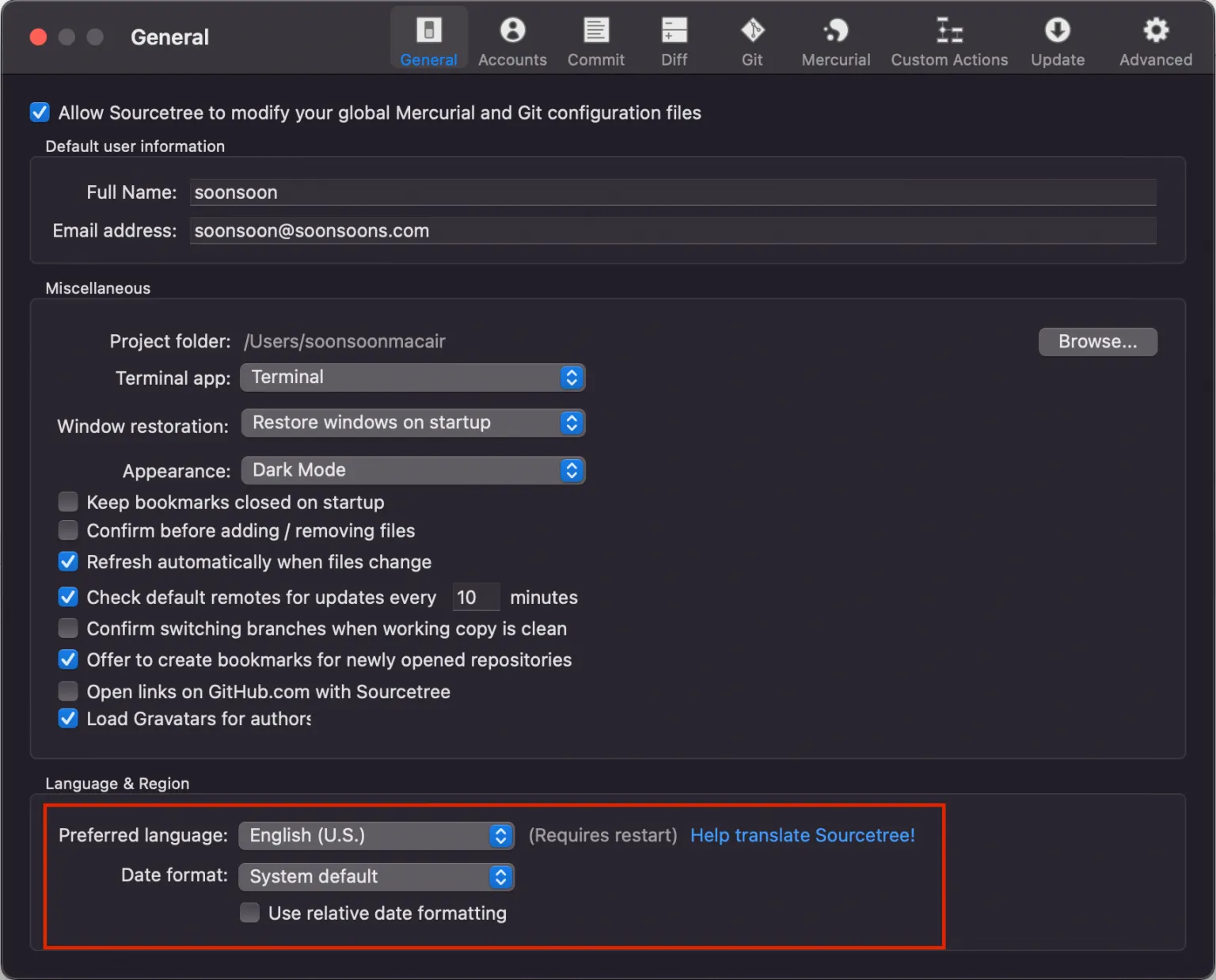
Most developers likely use GIT for configuration management, and many of you who are not familiar with text-based Git command control or management may use SourceTree, which allows GUI-based management, just like me.
However, since last year or so, there has been an issue where crashes frequently occur on Mac after a certain version.
But no matter how much I update, this problem doesn't seem to get fixed, and eventually, when I installed the latest version recently, it shuts down immediately without even lasting a second.
While looking through overseas forums, I found that you can solve this by deleting all project cache data and configuring it cleanly from scratch, but I was wondering when I would have to reconnect everything again, so I searched and found a post saying that using a past stable version works, so I tried it and it worked well, so I'm sharing it with you.
SourceTree also operates an archive download site for older versions, as shown below.
 Atlassian

Among them, if you get version 4.1.2, it doesn't crash and works well.
https://product-downloads.atlassian.com/software/sourcetree/ga/Sourcetree_4.1.2_238.zip
Recalling back, the version at the time didn't have any particular inconvenience, so. .It seems to work fine without any issues.
Even after searching for the reason for the crash in the latest version, it is difficult to find a clear cause. I hope this issue is resolved in the latest version as well.
As a last resort, I hope this helps those who are still struggling with the problem without finding a solution.