Today I want to introduce the new CG (Concept Generating) feature that will be included in the long-awaited SPUM version 180 update.
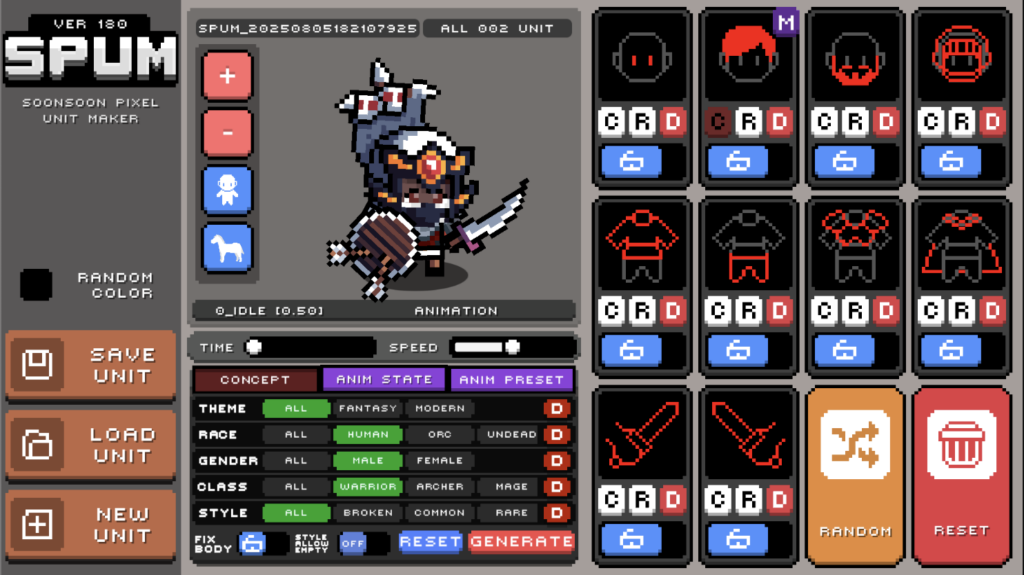
SPUM CG is a feature that assigns tags to each image resource across the hundreds of assets provided by SPUM, allowing users to generate suitable characters quickly by combining a few prepared tags instead of having to think through every character manually.
I originally planned this feature last year and started the classification work at the beginning of this year, but the tagging process turned out to be more difficult than expected, so it is being released later than I first thought.
Below is a simple introduction to the SPUM CG feature.
# Concept Filter System
By combining several category filters, you can instantly generate the foundation of the kind of character you want. The feature can be selected from the Concept tab at the bottom of the SPUM manager.
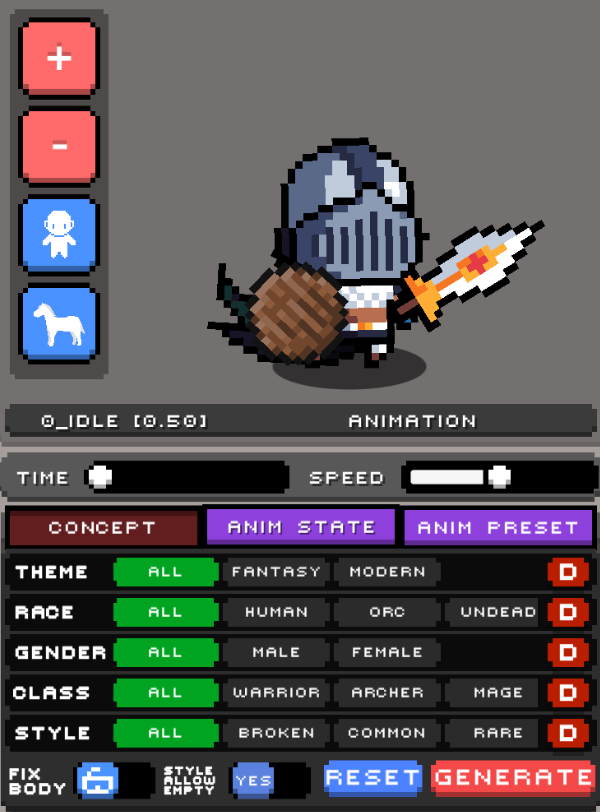
SPUM CG currently provides five large attribute groups. Each attribute contains detailed options, and more can be added later.
# Theme

This determines the overall mood of the world the character belongs to.
- Fantasy: A classic fantasy setting full of swords and magic.
- Modern: A modern-world theme. (Planned update)
# Race

This selects the character's race and base body type.
- Human
- Orc
- Undead
- Elf
- Devil
- High Elf
# Gender

This selects the character's gender.
- Male
- Female
# Class

When you choose a class, equipment that suits that class is recommended automatically.
- Warrior
- Archer
- Mage
# Style
This filter lets you define the visual feel of the equipment in more detail. It is divided into grade and attribute, and you can mix them together to find a style that fits your character.
1. Grade sets the rarity and overall quality level of the equipment.

- Broken: Old and damaged equipment.
- Common: Standard everyday-grade gear.
- Rare: Rare-grade equipment.
- Epic: Heroic high-tier equipment.
- Legendary: Living-legend-tier equipment.
- Mystic: Mythical-grade equipment. (Planned update)
2. Attribute sets the visible elemental feel of the equipment.

- Fire: Fire attribute.
- Dark: Darkness attribute.
- Wind: Wind attribute.
- Earth: Earth attribute.
- Water: Water attribute.
- Light: Light attribute.
# Other Options

FIX BODY: Locks the body and keeps it fixed.
STYLE ALLOW EMPTY: If there is no matching item for the selected conditions, the slot stays empty. (If disabled, a random item is equipped.)
# Generation Examples
- Random character generation after changing the race.
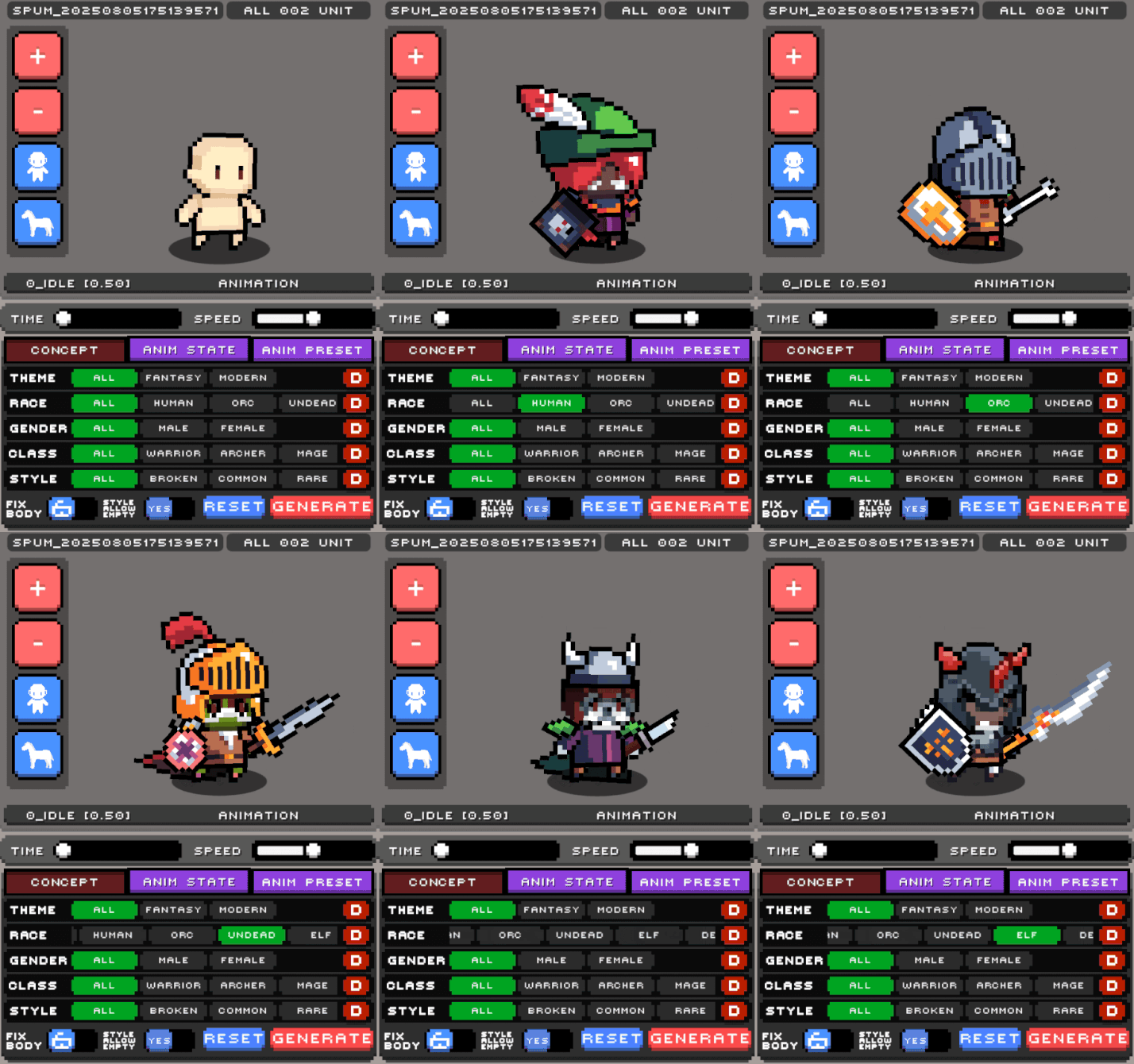
2. Random character generation based on race + gender selection.
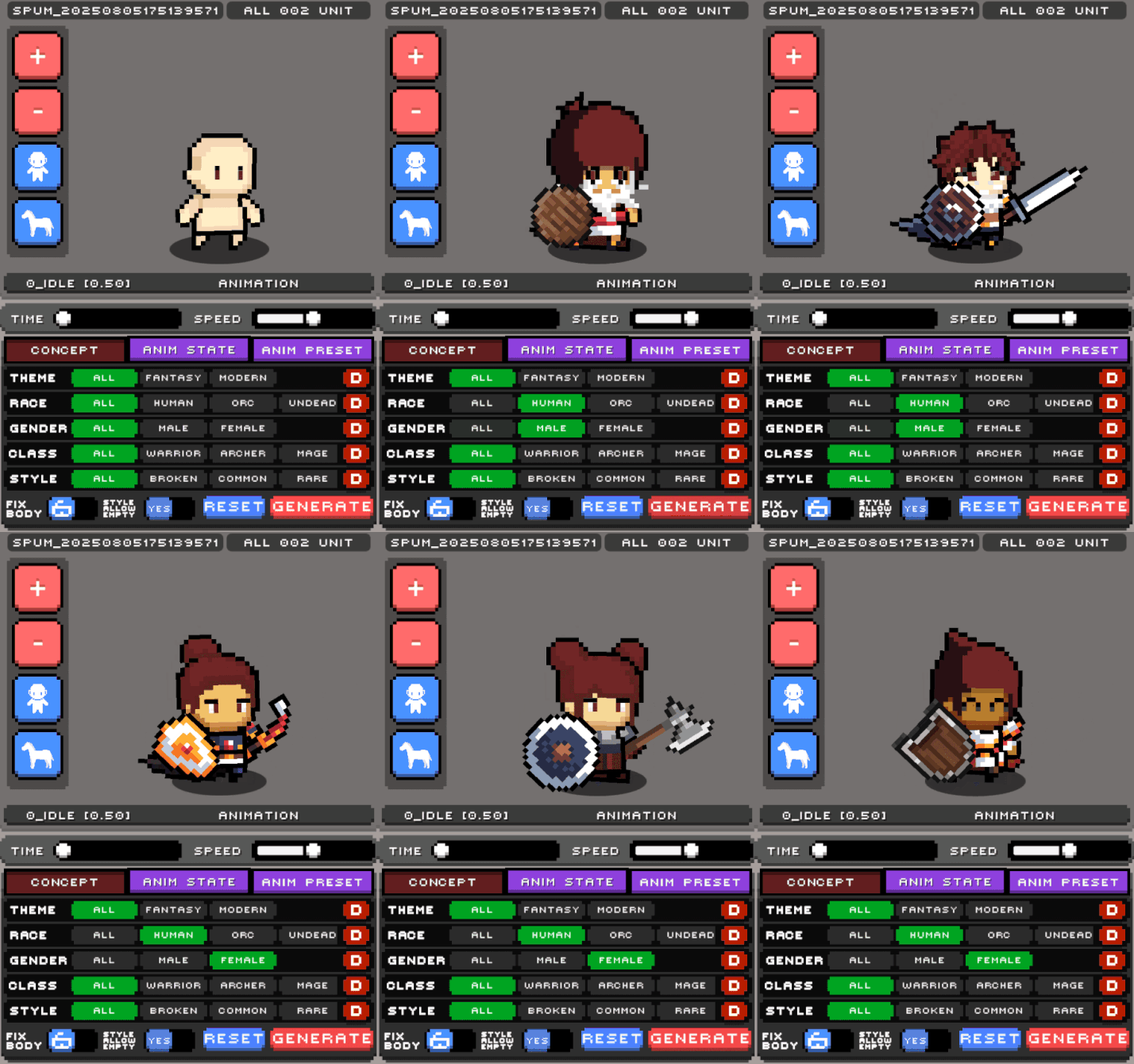
3. Character generation based on class.
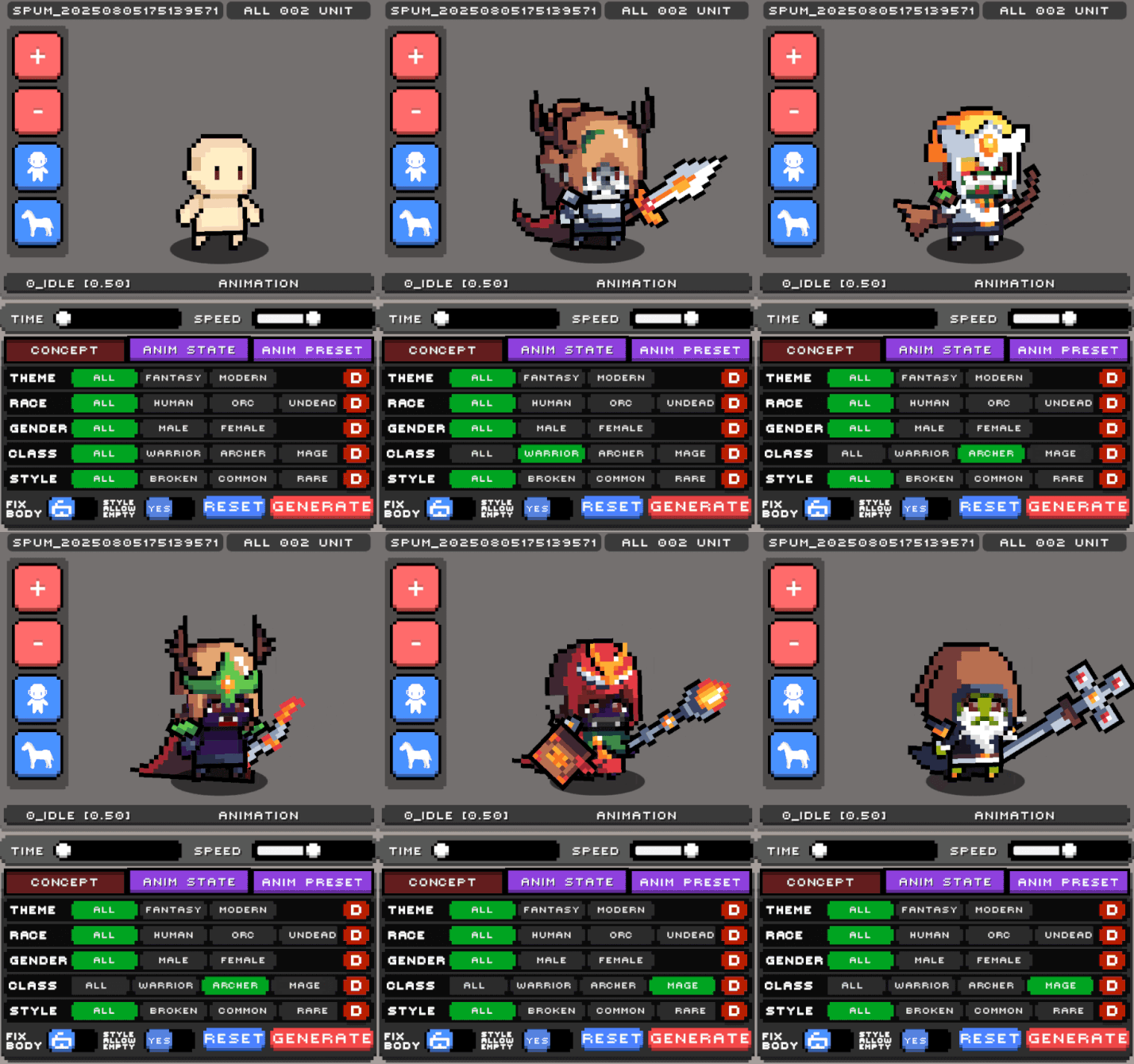
4. Random character generation through style combinations.
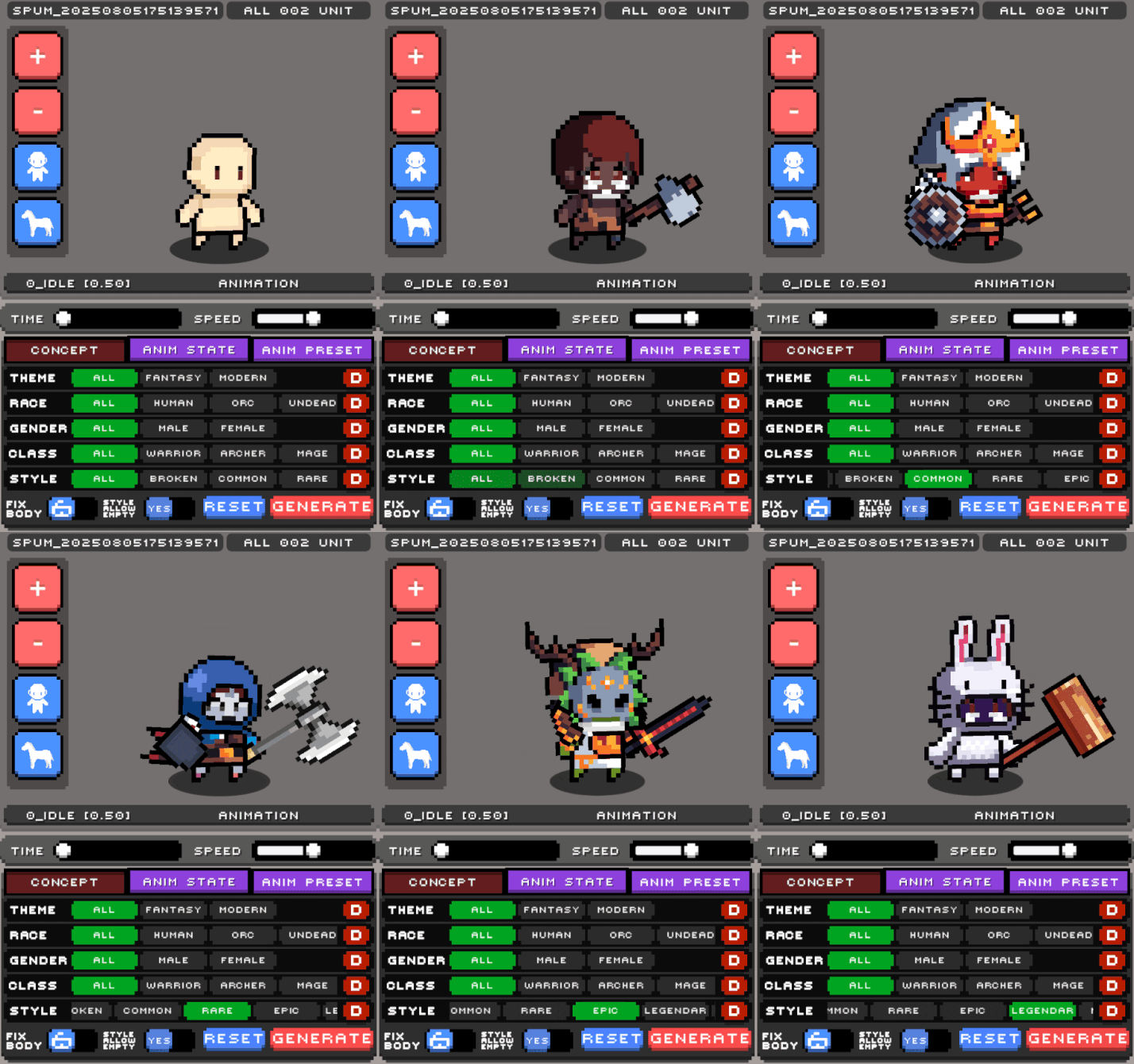
All of these features will be available starting with the newly updated SPUM 180 version.
That wraps up this introduction to the new SPUM CG feature we are developing and releasing.
In a way, the final result may look quite simple, but reaching this point required our team to spend a very long time thinking, classifying, building, rebuilding, and refining things together. After establishing the company last year, I think we were finally able to organize the core data needed for the long-term direction of SPUM updates.
We are planning to keep releasing additional features built on top of this system, and once those are a bit more ready, I will share them as well.