Following part 1 of my Omok game prototyping series using Google Gemini Canvas, this second article shares how I added a difficulty system.
First, I entered some instructions to check how the game logic from the previous step had actually been implemented.
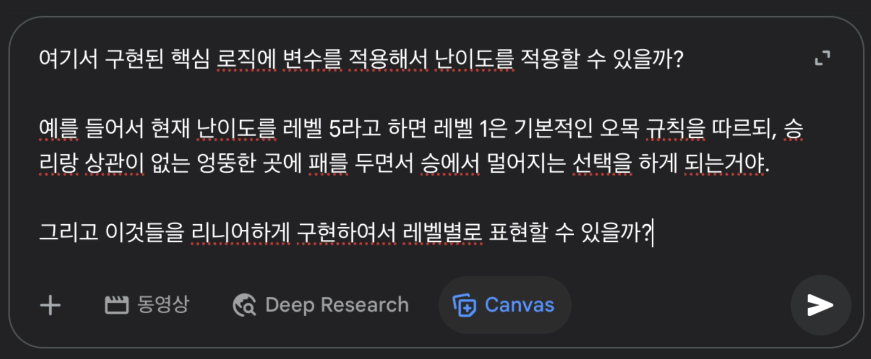
Because the existing logic was already producing something fairly playable, what I wanted was a simple linear difficulty scale from level 1 to level 5 so that each level would feel visibly different.
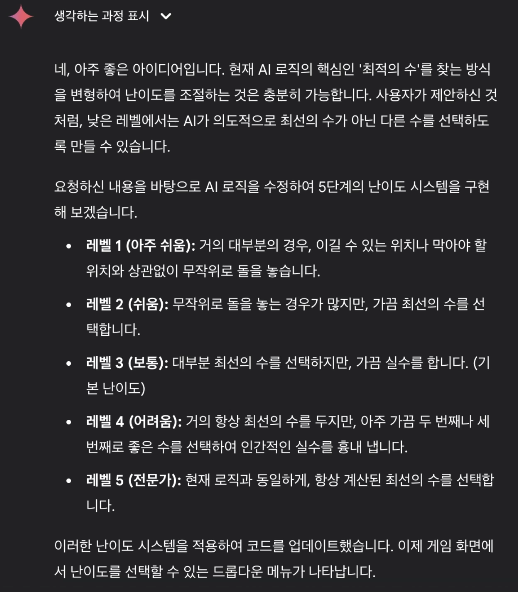
Since Gemini said it was possible to adjust difficulty by changing how the best move was selected, I decided to try it immediately.
The plan was to implement difficulty by controlling how frequently the AI checks for strong moves.
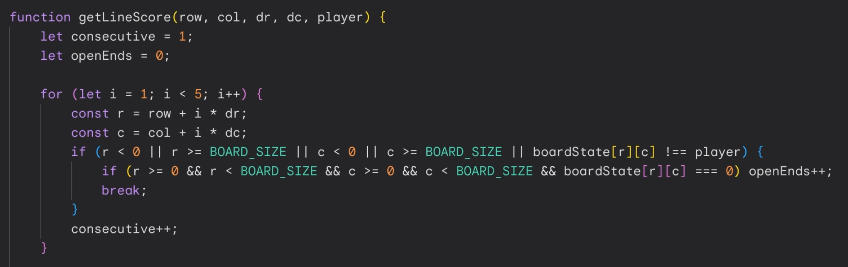
I entered the prompt directly and let it build the feature. If you want to try it yourself, you can continue from the previous article and use the following prompt.
✅ Prompt
Turn that into a button-based system so the player can choose Level 1 through Level 5 when starting the game.
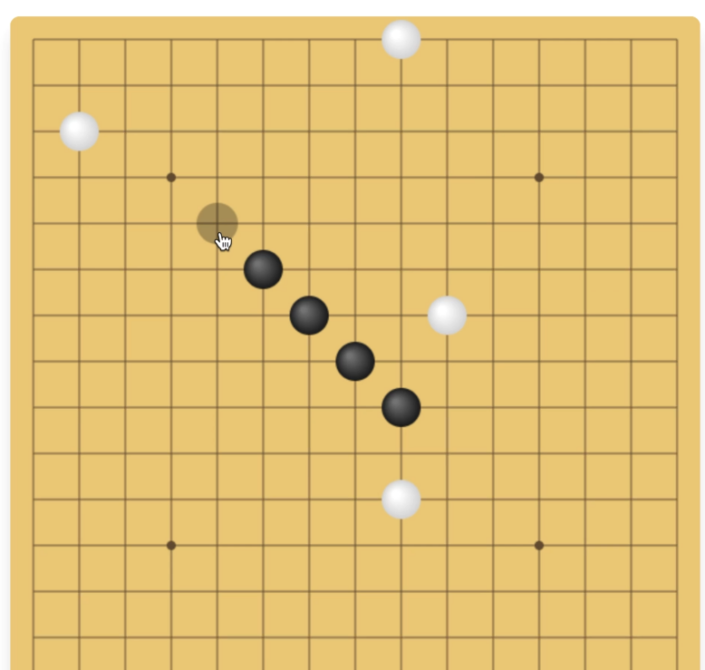
Very Easy
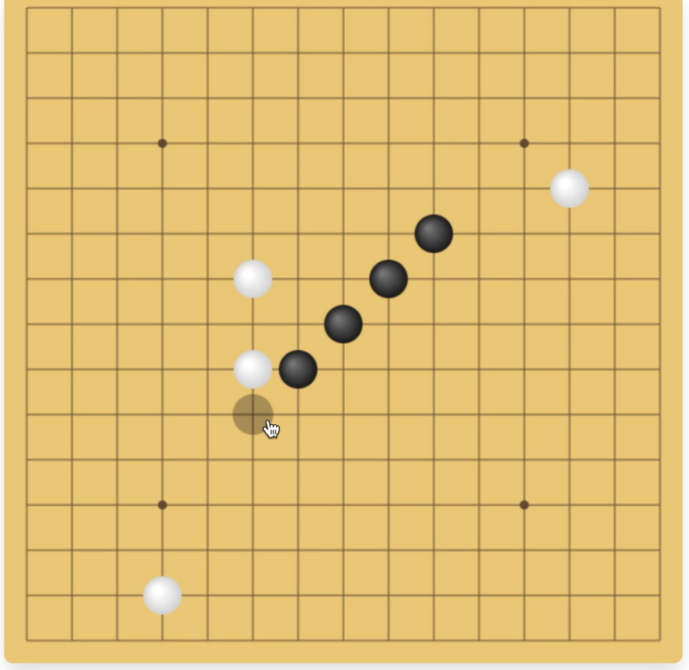
Easy
You can see that the AI checks winning moves much less often than before and starts placing stones in stranger places.
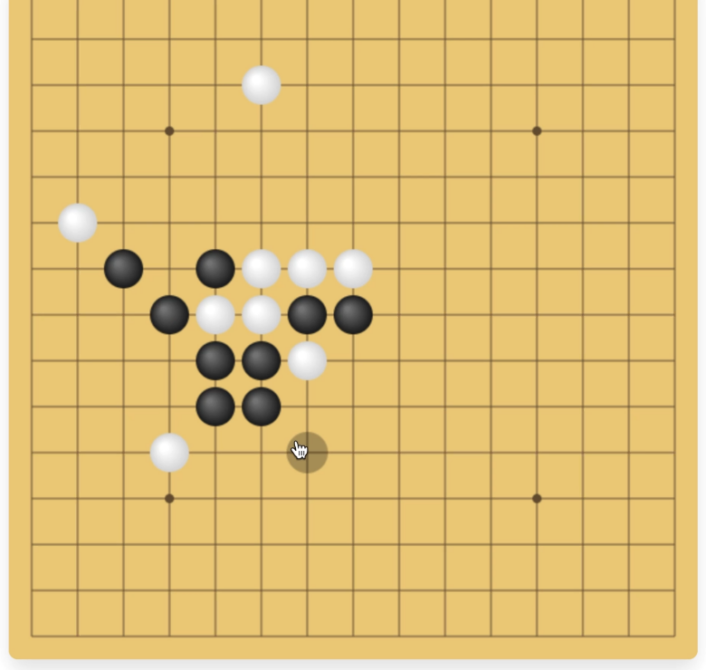
Normal
The difficulty suddenly jumped here, which made me think the values were assigned a bit awkwardly.
I still won, though. It did catch me off guard for a second.
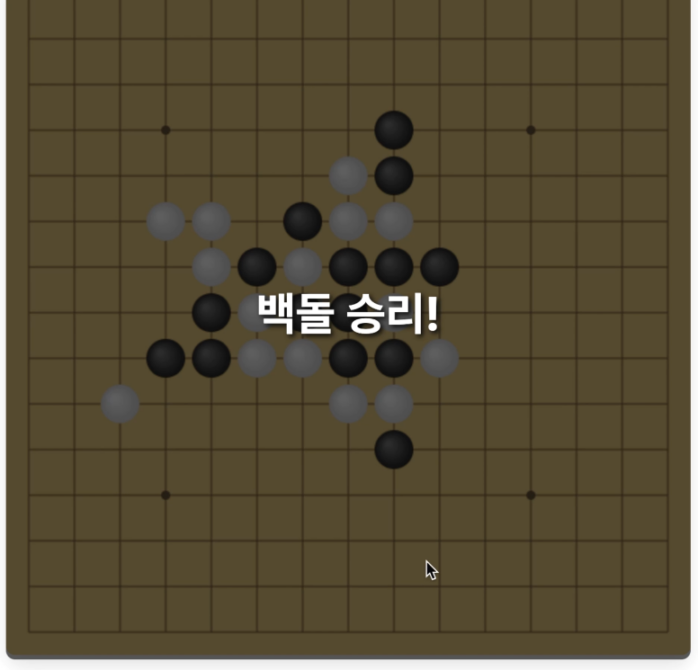
Hard
Whoa. The moment I stepped up to level 4, I lost.
I had asked for a linear scale, but it feels like Gemini implemented something closer to a steep curve.
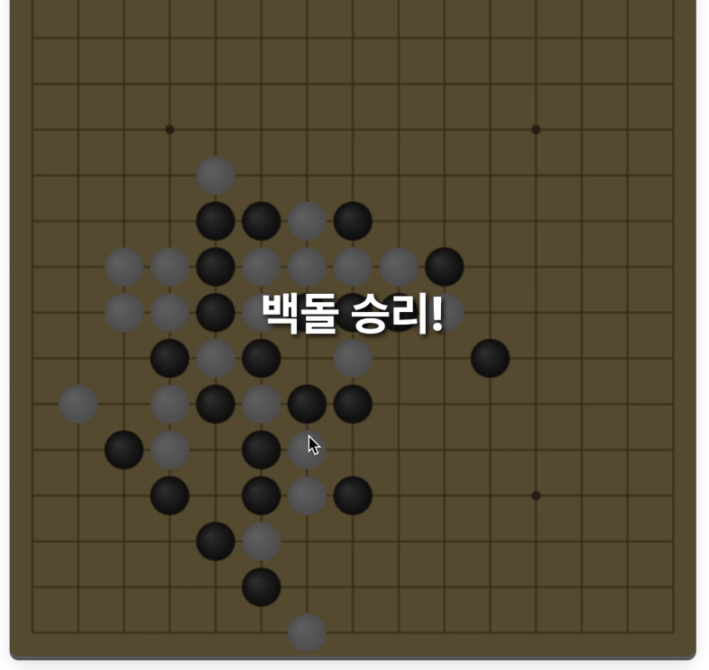
Expert
I thought it would feel similar to Hard, but it definitely comes across as more aggressive than the previous level.
To be fair, I probably lost more because I am bad than because the AI was incredible.
Still, the game now expresses distinct difficulty levels clearly enough.
Even if the scale is not perfectly linear, I think it would be quite usable with a bit more tuning.
To wrap things up, I asked Gemini to make the difficulty buttons feel more like a game by turning them into IQ-style labels.
✅ Prompt
Let’s name the variable that checks rand as IQ so it feels more game-like. If the value is above 0.9, treat it as expert level and set it to IQ 200. Level 1 should make the most absurd moves, so let’s call that IQ 70. Please make it feel playful, like part of the game.
You can refer to the video below for the overall creation process.
It feels like a tool that can make prototyping very easy for people who already know how to build games or define rules.
In the next part, I want to push it a bit further and make something even more fun.