Recently, Apple shared that it has released a beta version of Xcode that allows developers to experience the Xcode Preview environment for Vision Pro development.
 SOONSOON STUDIO
Anyone who has joined the Apple Developer Program can easily install the beta version of Xcode and experience the environment.
Since I am a Unity developer, setting up a simulation environment using Xcode felt quite awkward, and although I have no experience with Apple's Reality OS, I was very interested in the Vision Pro development environment, so I installed it to try it out.
Well, I've basically finished installing and trying it out a few times..
Anyway, the installation process is very simple. You can install the Xcode Beta version via the SDK download site below. (Apple Developer membership required)
 Apple Developer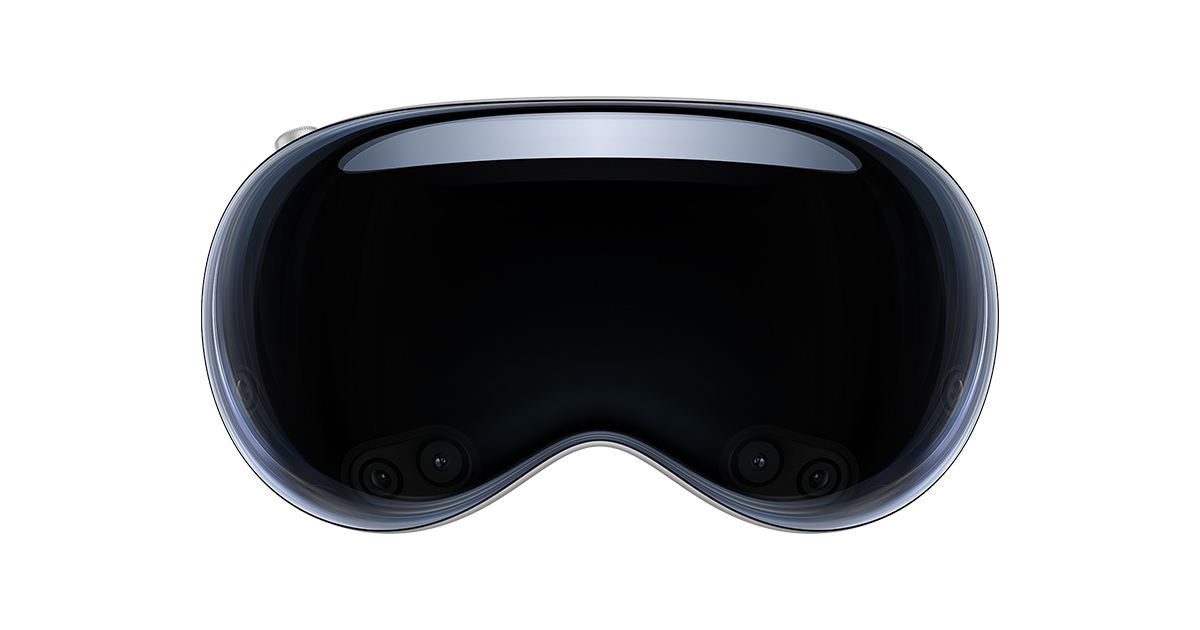
Then you can install Xcode 15 Beta 3, where you can select visionOS 1 beta. However, there is no need to do it here, as you can choose again when installing Xcode Beta.

After installing Xcode and running a new project, you can create a project as shown below. For now, I set it to default and tried creating it.

Next, you can experience the Vision OS virtual preview environment in a Simulation environment, where you can move the screen using the mouse and experience UI interactions.


Essentially, it is a visionOS simulator, so it is possible to run apps inside it, display maps, or even browse the web.

However, since this process uses a lot of graphical resources, I tried to record the screen using screen capture programs like OBS, but it didn't run properly, so at first I thought it was a bug in the visionOS beta itself.
After closing OBS, it ran somewhat properly.. The UI was already in a state of great delight, and even when creating a new project, it seemed like the virtual environment was being shared. It continued to run in that shape, so I couldn't properly test it.
And initially, there was a mountain-shaped icon in the bottom right corner, allowing me to change the virtual environment, but after testing, it disappeared (?).

So, I was planning to quickly record a review by taking a screenshot of the screen itself on an iPhone later.. but I couldn't even capture changing the virtual environment background.
Maybe it's due to my lack of understanding and knowledge of Xcode, combined with issues with the Vision OS Preview version itself...
Anyway, since this is still an early beta version, I believe it will become much more usable once we wait a bit longer.
When preparing for the HoloLens 2 lecture in the past, I tried to install the HoloLens virtual environment provided by MS and use it to conduct the lecture, as most people didn't own a HoloLens 2.. I remember struggling a lot because the Windows version was finicky, and the virtual environment often wouldn't run depending on the computer motherboard settings.
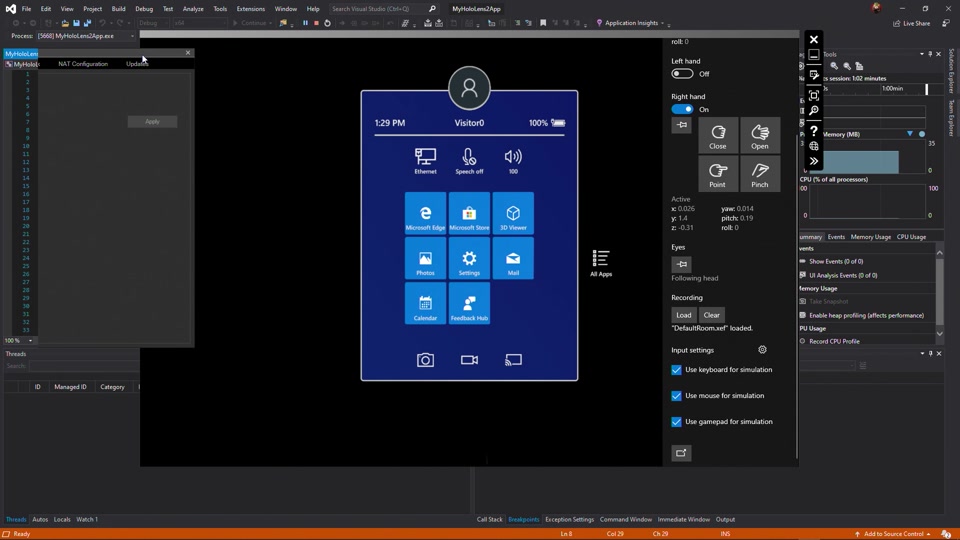

I remember that even when I managed to run it on a high-performance computer, the controls were so difficult that it was almost impossible to properly test and build the environment..
Apple provides a simulation environment through Xcode, and considering the price of Vision Pro, which has limitations on mass adoption, I think it will be actively utilized...
As I used it, I thought a lot about MARS, which Unity had released in the past.
https://unity.com/kr/products/unity-mars
Personally, both the MS HoloLens Emulator environment and MARS were interesting approaches and, I suppose, the best technology available at the time.. but I understand they failed to achieve mass adoption.
Since this is a difficult field, I look forward to it continuing to develop by reflecting developers' opinions.
Personally, since I am a Unity developer, I look forward to a version that allows development in the Unity environment and hope to be able to try it out soon.
And as an aside.. on my 13-inch MacBook Pro M2, it felt a bit sluggish.. I wondered if I need to prepare a more high-spec Mac.
If that's the case... buying a high-performance Mac for the development environment for the Vision Pro, which costs nearly 5 million won... It would be a development environment setup that costs nearly 10 million won in initial investment...
My head hurts.
Anyway, I have to spend some time researching this.